
Office Document Printing Guide
For the documents an office cannot afford to get wrong, and should not be producing on a desktop printer.
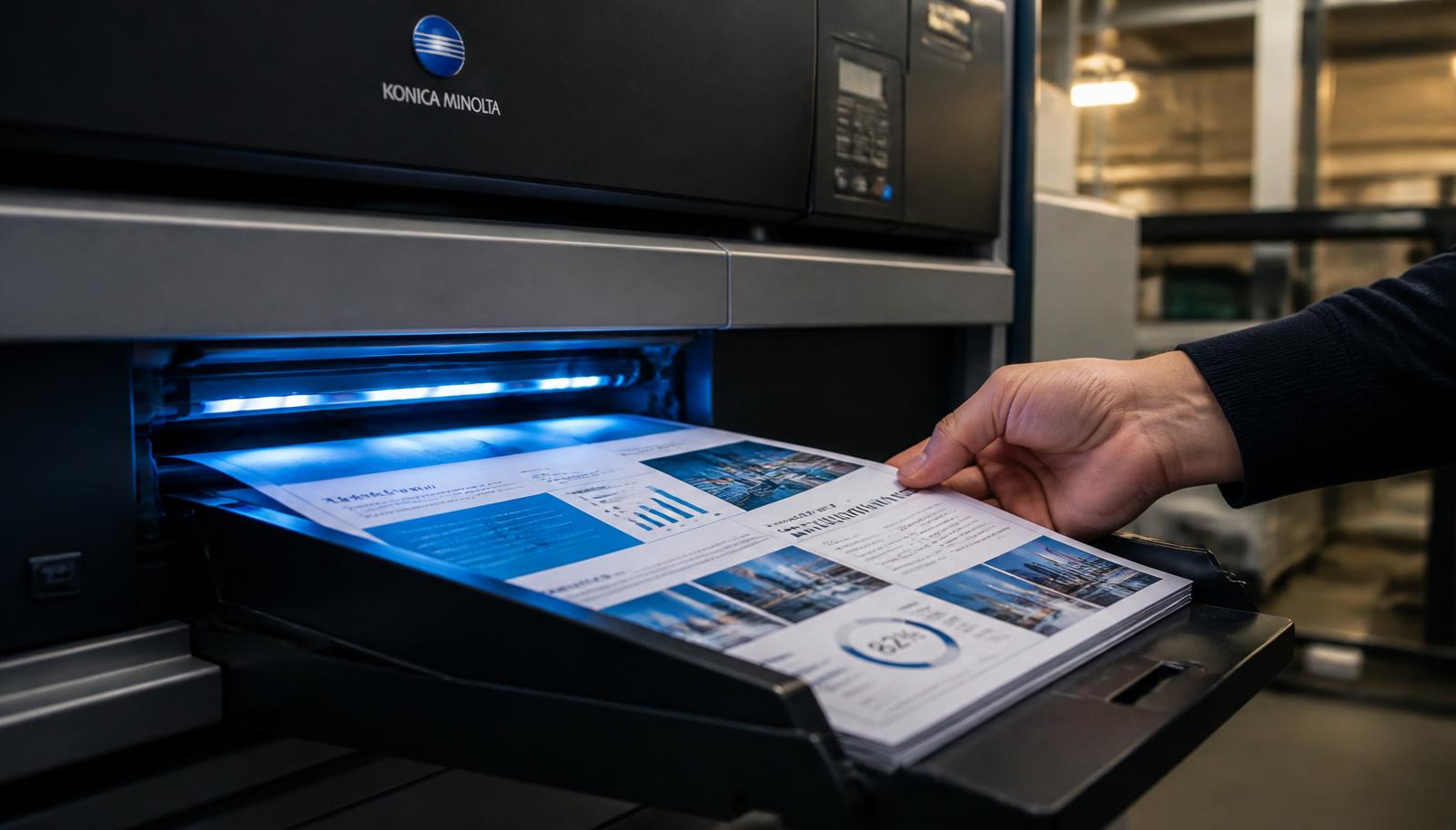
Every office has a printer, and every office eventually meets a job that printer cannot handle: a tender document with forty tabbed sections, three hundred training manuals, a board pack due tomorrow morning, a contract set that must look identical across twelve copies.
Outsourcing those jobs is not about capability, it is about consistency, speed and staff time. An hour of an executive's day spent nursing a jammed printer is more expensive than the print job.
Here is how to hand them over cleanly.
Documents Offices Outsource Most
Tender and bid documents, which are long, deadline bound and often require specific binding and numbered sections. Client proposals, where presentation is part of the pitch. Training manuals and induction packs, printed in batches and used repeatedly. Board and committee papers, needed quickly in identical sets.
Also contracts and agreement sets, compliance and audit files, product catalogues, price lists and internal reports. What they share is that a fault is visible to someone outside the organisation.
Getting The Format Right
Send a PDF, always. Office documents pass through many hands and many machines, and a DOCX will reflow. A PDF guarantees that the version you approved is the version that prints.
Number pages, especially in tender and contract sets where a missing page is a serious problem. Keep a consistent template across sections if several people contributed. If sections must be separated by dividers or tabs, say so in the order rather than assuming it will be inferred.
Binding And Finishing For Business Documents
Spiral or wiro for training manuals and working documents that must lie flat. Perfect binding for proposals, reports and catalogues where a squared spine looks considered. Hardbinding for archival and formal record copies.
For proposals, a printed card cover on 250 to 300 GSM with lamination costs little on a small number of copies and changes the impression completely. For manuals used daily, spend on the binding rather than on the paper; it is the binding that fails first.
Confidentiality And Version Control
Commercial documents are frequently sensitive. Files sent to us are used solely to produce the order; we do not publish, share or resell customer documents. If your organisation requires it, agree the handling arrangement before sending.
Version control is the internal risk. Send one clearly named final file rather than several drafts, and nominate a single person to approve the proof. Most reprints of office documents are not printing errors; they are two people sending different versions of the same document.
Bulk Runs, Repeat Jobs And Delivery
For manuals and forms printed repeatedly, order in planned batches rather than ad hoc: the per copy cost falls and delivery is consolidated. Keep the approved file on record so a reprint is a phone call rather than a new project.
Delivery is available across Delhi NCR and India by tracked courier, quoted on weight and pin code, or collect free from our counter at T-552 Baljeet Nagar, Patel Nagar, New Delhi 110008 — convenient for offices around Karol Bagh, Kirti Nagar, Naraina, Rajinder Nagar and Central and West Delhi. For deadline sensitive work, call 7289879398 to agree the schedule before you send the file.
How To Place A Printing Order With Us
The same six steps apply to every document covered in this guide.
1. Upload Document
Open the upload printout page and tap the upload area. Your device file picker opens and you can select a PDF, DOC, DOCX, JPG, JPEG or PNG file up to 150 MB. The file name, type and size are shown back to you, and you can change or remove the file before continuing.
2. Select Printing Options
Choose black & white, colour or mixed mode, and single side or double side. Mention paper weight or A3 pages here if your document needs them.
3. Enter Total Pages
Read the page count from your PDF reader rather than estimating it, and give an exact page range if only part of the document should be printed.
4. Enter Number Of Copies
There is no minimum. One copy is a valid order, and so is a run of several thousand. Copy count is what decides whether digital or offset production is cheaper for you.
5. See Estimated Price
The order summary combines pages, sides, colour mode and copies into a live estimate so you can compare options before committing to anything.
6. Submit / Request Order
Submit the request and an Order ID appears on screen. We then confirm the final amount and any delivery charge with you on 7289879398 before printing begins.
Binding, Collection And Delivery Options
Loose sheets suit drafts and anything destined for a ring file. Spiral and wiro binding lie completely flat, which is why they are the default for notes, lab records, manuals and working documents. Soft cover perfect binding gives a squared, printable spine and is the usual choice for project reports, proposals and paperbacks. Hardbinding, with foil spine text where required, is used for theses, archival record copies and premium editions. Card covers from 250 to 300 GSM, with matt or gloss lamination, can be added to any bound document and cost very little across a small number of copies.
Finished work can be collected free of charge from our counter at T-552 Baljeet Nagar, Patel Nagar, New Delhi, Delhi 110008. That is the fastest and cheapest option if you are in Patel Nagar, Baljeet Nagar, Shadipur, Karol Bagh, Rajinder Nagar, Ranjit Nagar, Kirti Nagar, Naraina or anywhere in Central or West Delhi, and it removes courier transit from your timeline entirely — which matters when a submission or a meeting is fixed. Everywhere else in India we dispatch by tracked courier. The delivery charge depends on parcel weight and your destination pin code, is paid by the customer, and is quoted before dispatch rather than added afterwards. Delhi NCR addresses in Gurugram, Noida, Ghaziabad and Faridabad are usually quickest; remote pin codes take longest. We give you dispatch confirmation and tracking instead of promising a delivery date on a courier’s behalf.
What Drives The Price
Four inputs account for almost every printing quote: total pages, number of sides, colour mode and number of copies. Pages set the volume of the job. Sides decide how many physical sheets that volume becomes, so double side printing halves paper use, document thickness and courier weight in one decision. Colour mode sets the per side rate, with black and white lowest, full colour highest, and mixed mode applying colour rates only to the pages that genuinely contain colour. Copies multiply the run, but not linearly, because file checking and setup happen once regardless of quantity and the per copy cost therefore falls as the run grows. Binding, paper upgrades, card covers, lamination and A3 pages are quoted on top, and delivery is always separate. If your job is unusual in any way, a two minute call to 7289879398 produces a firmer number than any calculator.
Ready To Print?
Upload your document, choose black & white or colour, single or double side, enter pages and copies, and see an instant estimate before you submit.