
How To Print College Assignments
Written for the night before submission, and for the week before, when you still have options.
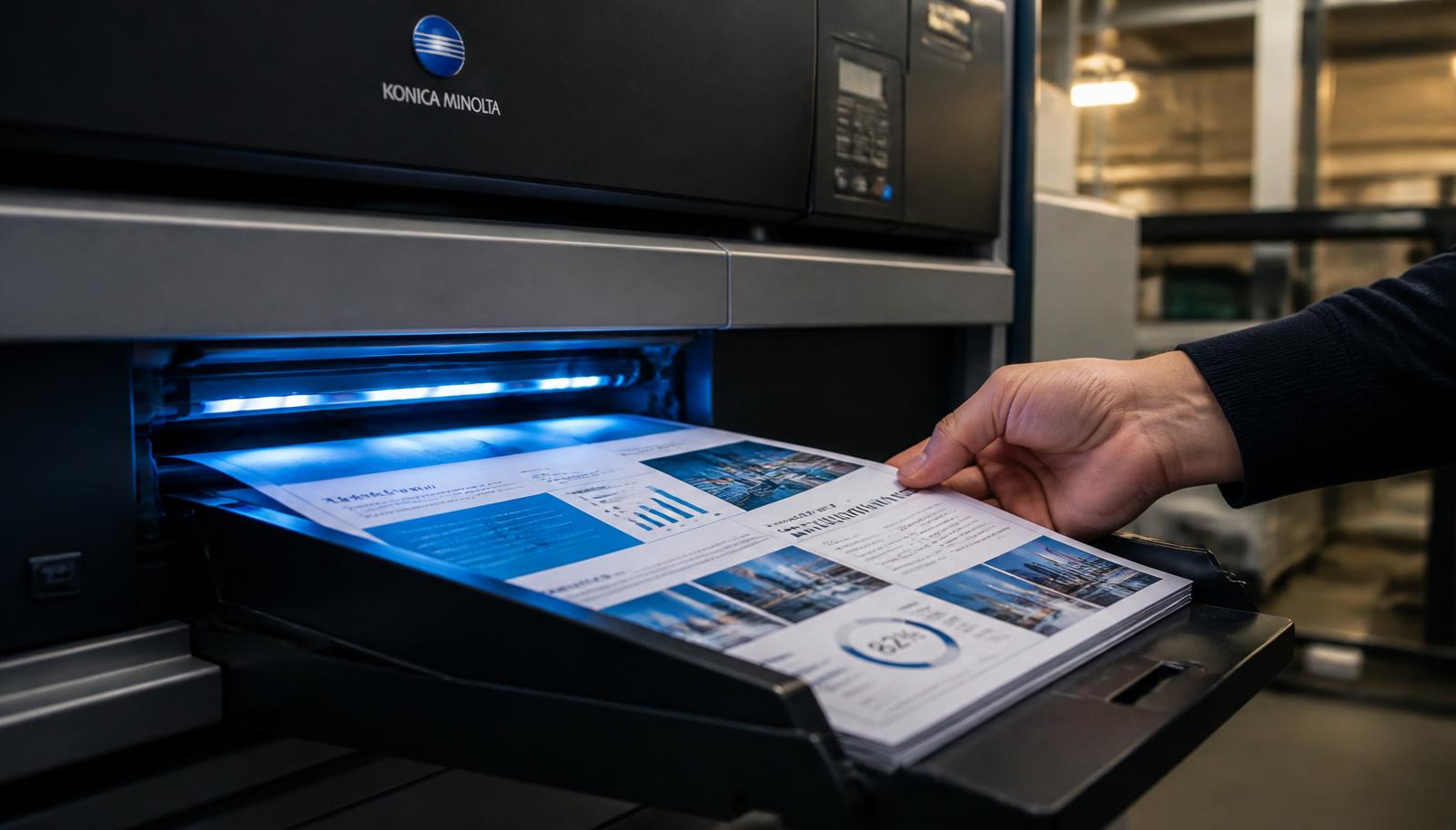
Assignment printing is the most common job we handle, and the one where deadlines are tightest. The pattern repeats every semester: the document is finished late, the printer at home is out of toner, and the shop near campus has a queue of twenty students with the same deadline.
Ordering online removes the queue but not the deadline, so timing and file preparation still matter.
Here is how to get an assignment printed correctly, cheaply and on time.
Start With Your Department's Format Rules
Before anything else, find the submission guideline. Departments commonly specify font and size, line spacing, margins, whether printing must be single side, the cover page format, and the binding type. Marks are occasionally deducted for ignoring these, which is the most avoidable loss available to a student.
Apply the rules to the document itself rather than trying to fix them at the printing stage. Line spacing and margins change the page count, which changes the price, so settle the format before you calculate anything.
Build The Cover Page Properly
Most institutions want the title, your name, enrolment or roll number, course and subject code, the faculty or guide's name, department, institution and submission date. Some want the institutional logo, and many specify placement.
Keep the cover as page one of the same PDF rather than a separate file. Separate files get mismatched, and a cover printed on different paper by accident looks careless. If the cover should be on card, say so in the order notes and we will print it separately on heavier stock and bind it in.
Choose Sides, Colour And Binding
Unless the guideline says otherwise, double side is normal for assignments and keeps the submission slim. Colour is needed only where your figures depend on it; mixed mode covers the common case of a few colour charts inside a text document.
For binding, a spiral or wiro coil is standard for regular assignments and lies flat when the evaluator reads it. Soft cover perfect binding looks more finished and suits major submissions and project reports. Hardbound is normally reserved for a thesis or dissertation and is usually specified explicitly when required.
Control The Cost
Three levers do most of the work. Print double side. Use mixed colour mode instead of full colour. Print only the pages you need, which matters when an appendix contains a hundred pages of raw data that the guideline does not require in print.
A fourth lever is coordination. If four classmates all need the same lab manual or reference set, order them together as one job. The per copy cost falls with quantity, and one collection trip replaces four.
Plan Around The Deadline
Work backwards from the submission time. If you are collecting from our counter in Patel Nagar, allow for production plus your travel. If you need courier delivery, allow for the courier's transit time to your pin code, which is beyond anyone's control once the parcel is handed over.
The practical advice is to upload the day before rather than the morning of submission, and to call 7289879398 if the deadline is genuinely tight so we can tell you honestly whether it is achievable rather than leaving you guessing.
How To Place A Printing Order With Us
The same six steps apply to every document covered in this guide.
1. Upload Document
Open the upload printout page and tap the upload area. Your device file picker opens and you can select a PDF, DOC, DOCX, JPG, JPEG or PNG file up to 150 MB. The file name, type and size are shown back to you, and you can change or remove the file before continuing.
2. Select Printing Options
Choose black & white, colour or mixed mode, and single side or double side. Mention paper weight or A3 pages here if your document needs them.
3. Enter Total Pages
Read the page count from your PDF reader rather than estimating it, and give an exact page range if only part of the document should be printed.
4. Enter Number Of Copies
There is no minimum. One copy is a valid order, and so is a run of several thousand. Copy count is what decides whether digital or offset production is cheaper for you.
5. See Estimated Price
The order summary combines pages, sides, colour mode and copies into a live estimate so you can compare options before committing to anything.
6. Submit / Request Order
Submit the request and an Order ID appears on screen. We then confirm the final amount and any delivery charge with you on 7289879398 before printing begins.
Binding, Collection And Delivery Options
Loose sheets suit drafts and anything destined for a ring file. Spiral and wiro binding lie completely flat, which is why they are the default for notes, lab records, manuals and working documents. Soft cover perfect binding gives a squared, printable spine and is the usual choice for project reports, proposals and paperbacks. Hardbinding, with foil spine text where required, is used for theses, archival record copies and premium editions. Card covers from 250 to 300 GSM, with matt or gloss lamination, can be added to any bound document and cost very little across a small number of copies.
Finished work can be collected free of charge from our counter at T-552 Baljeet Nagar, Patel Nagar, New Delhi, Delhi 110008. That is the fastest and cheapest option if you are in Patel Nagar, Baljeet Nagar, Shadipur, Karol Bagh, Rajinder Nagar, Ranjit Nagar, Kirti Nagar, Naraina or anywhere in Central or West Delhi, and it removes courier transit from your timeline entirely — which matters when a submission or a meeting is fixed. Everywhere else in India we dispatch by tracked courier. The delivery charge depends on parcel weight and your destination pin code, is paid by the customer, and is quoted before dispatch rather than added afterwards. Delhi NCR addresses in Gurugram, Noida, Ghaziabad and Faridabad are usually quickest; remote pin codes take longest. We give you dispatch confirmation and tracking instead of promising a delivery date on a courier’s behalf.
What Drives The Price
Four inputs account for almost every printing quote: total pages, number of sides, colour mode and number of copies. Pages set the volume of the job. Sides decide how many physical sheets that volume becomes, so double side printing halves paper use, document thickness and courier weight in one decision. Colour mode sets the per side rate, with black and white lowest, full colour highest, and mixed mode applying colour rates only to the pages that genuinely contain colour. Copies multiply the run, but not linearly, because file checking and setup happen once regardless of quantity and the per copy cost therefore falls as the run grows. Binding, paper upgrades, card covers, lamination and A3 pages are quoted on top, and delivery is always separate. If your job is unusual in any way, a two minute call to 7289879398 produces a firmer number than any calculator.
Ready To Print?
Upload your document, choose black & white or colour, single or double side, enter pages and copies, and see an instant estimate before you submit.