
Office Document Printing
Outsource the paperwork that keeps jamming the office printer at the worst possible moment.
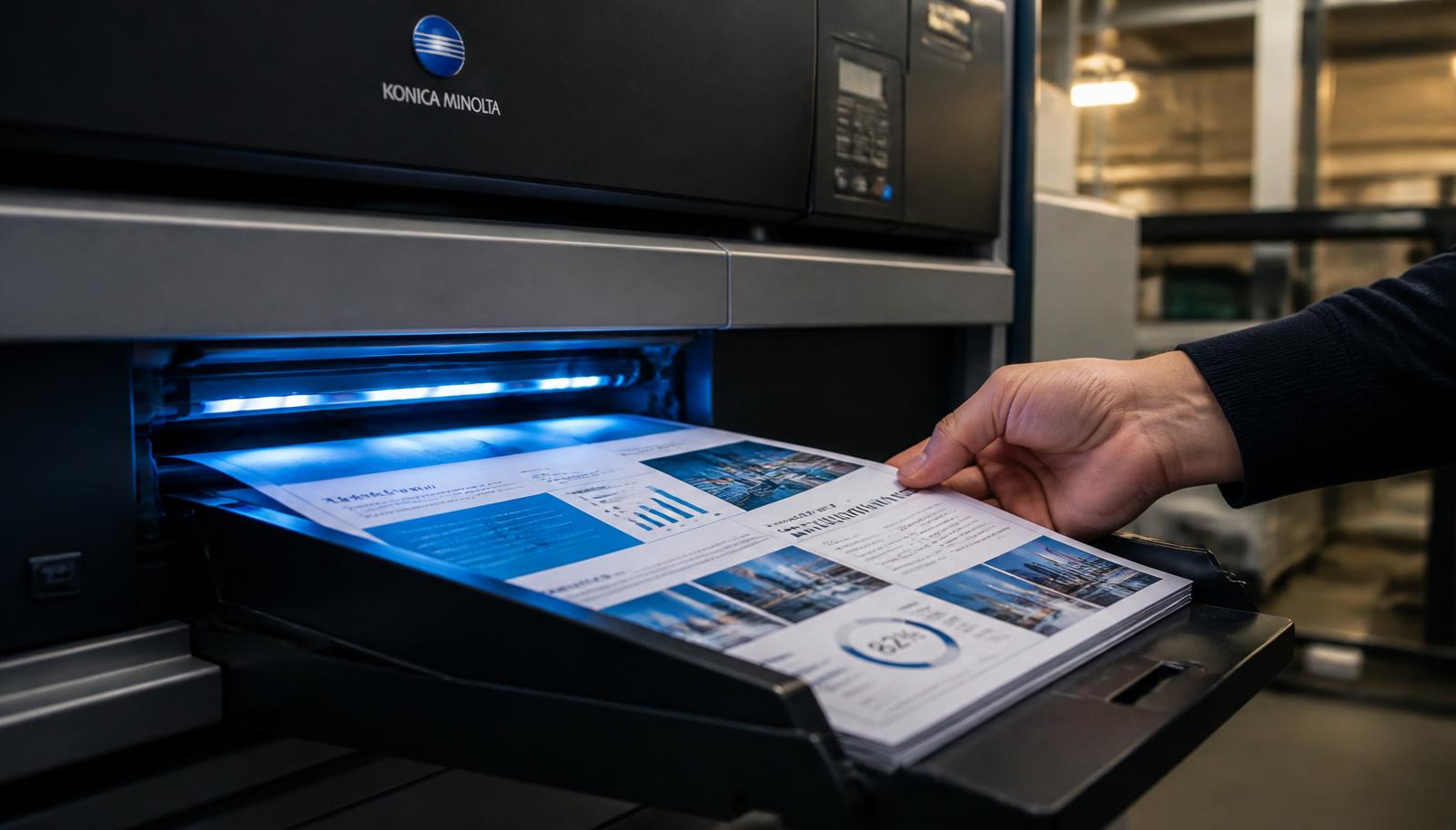
Most offices own a printer that was bought for occasional use and is then asked to produce a hundred-page tender document at five in the evening. The result is familiar: jams, streaks, a toner cartridge that runs out mid-job, and someone senior standing next to the machine losing an hour they did not have.
Sending that work out is usually cheaper than it looks once you count consumables and staff time. Contracts, invoices, statements, reports, board packs, HR files, policy documents, training handouts, SOPs, forms, price lists and tender submissions all print faster and more consistently on commercial equipment, and arrive collated, bound and ready to hand over.
For recurring work the advantage compounds. Once we have your specification — paper, sides, binding, packing — repeat runs match the previous ones exactly, which matters when a document set has to look identical across quarterly board meetings or a series of client submissions.
Who Uses Office Document Printing
Small and medium businesses
Invoices, contracts, price lists and internal reports without owning heavy equipment.
HR and admin teams
Policy manuals, induction packs, forms and compliance documentation.
Sales teams
Proposals, pitch documents and product sheets printed for meetings.
Professional firms
Tender documents, legal sets and client deliverables that must be presentation-grade.
What You Get
- Black & white, colour or mixed, single or double side.
- A4 standard with A3 for drawings, plans and large tables.
- 70 to 100 GSM paper depending on how the document will be used.
- Collation, stapling, spiral, soft binding and file-ready punching.
- Repeat runs matched to your saved specification.
- Confidential handling of internal and commercial documents.
How To Order Office Document Printing Online
Six steps take you from a file on your phone to a finished printout in your hand.
1. Upload Document
Open the upload printout page and tap the upload area. Your device file picker opens and you can pick a PDF, DOC, DOCX, JPG, JPEG or PNG file up to 150 MB.
2. Select Printing Options
Choose office document printing settings: black & white, colour or mixed, single side or double side, paper size and paper type.
3. Enter Total Pages
Type the page count of your file, or the exact page range you want printed if you do not need the whole document.
4. Enter Number Of Copies
One copy is welcome, and so are hundreds. Copy count is what usually decides whether digital or offset production is cheaper for you.
5. See Estimated Price
The order summary adds up pages, sides, colour mode and copies so you can see the estimate before committing.
6. Submit / Request Order
Submit the request and you receive an Order ID on screen. We confirm the final amount and delivery charge on your mobile before printing.
How Office Document Printing Pricing Is Calculated
Four inputs decide the price of almost every print job.
| Input | What it changes |
|---|---|
| Total pages | The base unit of the job. A 40 page file costs less than a 400 page file at the same settings. |
| Sides | Double side printing halves the number of physical sheets, so it is the single easiest way to cut cost and parcel weight. |
| Colour mode | Black & white is the economical default. Colour is priced higher per page, and mixed mode charges colour rates only on the pages that actually need it. |
| Copies | Per-copy cost falls as quantity rises. Beyond a few hundred copies, offset production becomes worth quoting. |
Office work is quoted on pages, sides, colour, paper weight, copies and finishing. Recurring monthly volumes are quoted at a standing rate so budgeting is predictable. Compared with in-house printing, the honest comparison should include toner, paper, machine wear and the staff hour spent unjamming it.
Delivery is quoted separately. Courier charges depend on your pin code, parcel weight and the service used, and are confirmed before dispatch. Self collection from our counter at T-552 Baljeet Nagar, Patel Nagar, New Delhi 110008 is free, which is worth choosing if you are anywhere in Patel Nagar, Karol Bagh, Rajinder Nagar, Baljeet Nagar or Central Delhi.
Preparing Your File Before You Upload
Five minutes of file preparation prevents almost every reprint.
- Export the final approved version to PDF so a colleague cannot accidentally alter it before printing.
- Tell us how the set should be collated, bound and packed — per client, per meeting or per department.
- Export to PDF wherever possible. A PDF locks fonts, spacing and margins, so what we print is exactly what you designed.
- Check the page order and the page count in your PDF reader, and tell us the exact range if only part of the file is needed.
- Keep at least a 12 mm inside margin if the document will be spiral bound, stapled or hardbound, so binding never swallows text.
- Scan or photograph handwritten pages in bright, even light, straight on, with no shadow across the page.
Routine office documents are typically ready the same or next working day. Bound tender sets, large collated runs and heavy volume work take one to three working days.
Why Order Office Document Printing From PrintoutRajan.shop
Production Built For Volume
Your document runs on the same commercial equipment that produces our book printing work, so text stays sharp from the first page to the last and double side pages register correctly.
No Queue, No Cyber Cafe
Upload from your phone or laptop at any hour instead of travelling to a shop and hoping the machine is working and the paper tray is full.
One Copy Or Ten Thousand
There is no minimum order. A single assignment is treated with the same care as an institutional bulk run.
Print And Delivery Together
Printing and dispatch are handled in one place, so you deal with one team from upload to parcel — or collect free from our New Delhi counter.
Document Confidentiality
Files are used only to produce your order. We do not publish, share or resell customer documents.
Direct Human Confirmation
Before anything is printed we confirm the exact amount and delivery charge with you on 7289879398, so there are no surprises.
Office Document Printing In New Delhi And Across India
Our production counter is at T-552 Baljeet Nagar, Patel Nagar, New Delhi, Delhi 110008, a short distance from Patel Nagar and Shadipur, and easily reachable from Karol Bagh, Rajinder Nagar, Ranjit Nagar, Kirti Nagar, Naraina and Central and West Delhi. Students from nearby colleges and coaching centres, and offices around Karol Bagh and Kirti Nagar, use the counter for same-day collection because there is no courier wait and no delivery charge.
If you are outside Delhi, nothing changes about the printing itself. You upload the same file, choose the same settings, and we dispatch by tracked courier to your address anywhere in India. Delhi NCR addresses in Gurugram, Noida, Ghaziabad and Faridabad usually receive parcels quickly, and other states depend on the courier route to your pin code. Delivery charges are always paid by the customer and confirmed before dispatch.
Looking for the same service by name? People find us searching for printing near me, printout shop near me, document printing in New Delhi, printing services in Patel Nagar and online printing India. If that is what brought you here, the fastest next step is simply to upload your document or call 7289879398.
Send Your File, Get It Printed
Upload your document on our printout page, choose black & white or colour, single or double side, enter pages and copies, and see an instant estimate before you submit the order.