
Double Side Printing
Duplex printing halves your sheet count, your parcel weight and usually your bill.
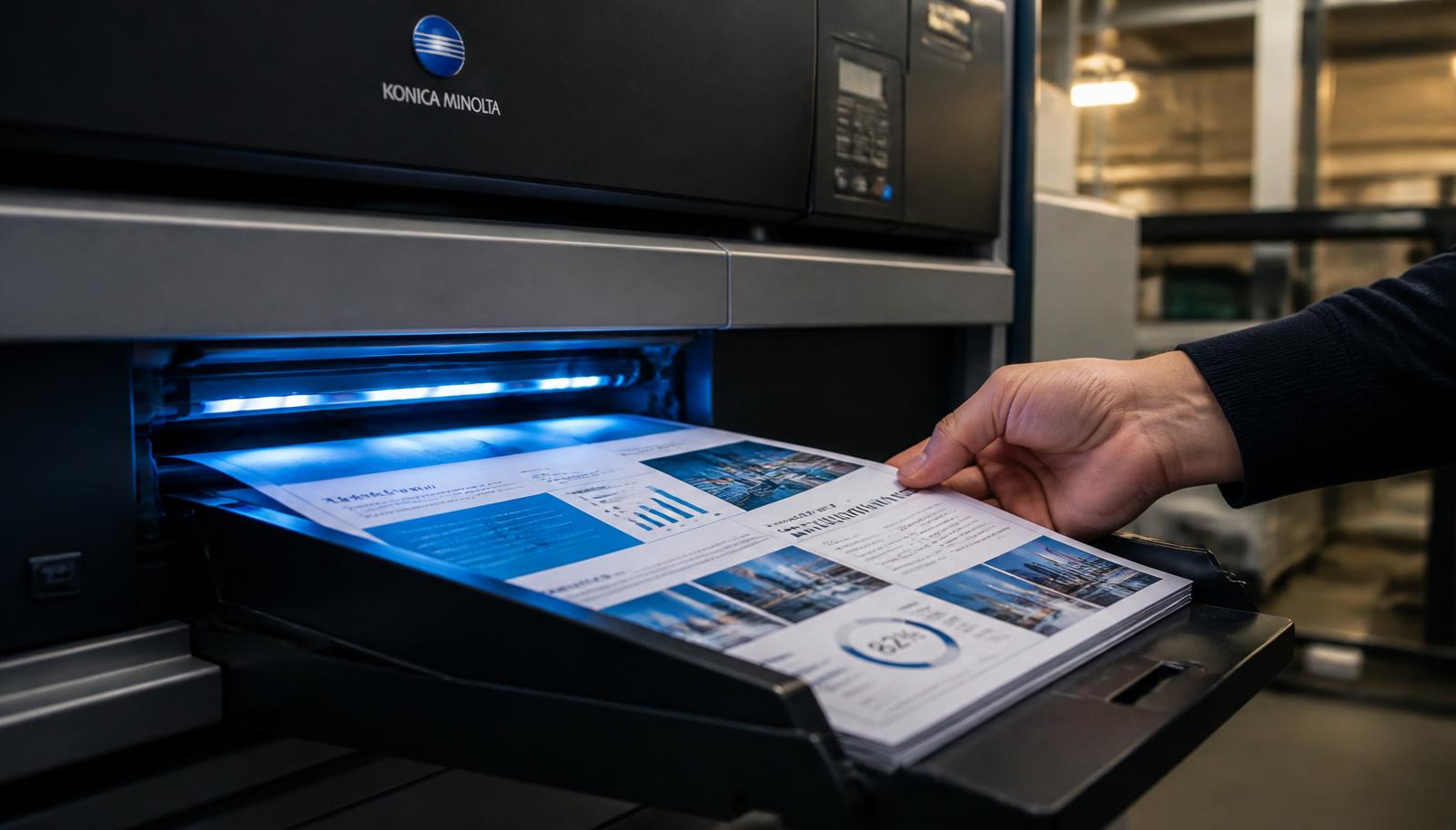
Double side printing, or duplex, puts content on both faces of every sheet. A 200 page document becomes 100 physical sheets: thinner, lighter, cheaper to courier and far easier to bind into something a person will actually carry around. For long study material and reports it is almost always the right choice.
The part people worry about is show-through — text from the back faintly visible on the front. On standard 70 GSM paper with laser output this is minimal for ordinary text documents. Where a file is image-heavy, has large blocks of dark background, or will be read under strong light, moving up to 80 or 90 GSM removes the effect entirely, and we will suggest it when the file warrants it.
The other detail that matters is registration and margins. Pages must align front to back, and the inside margin has to be wide enough that binding does not eat the text. We check both before running the job, and if your inside margin is too tight for the binding you have chosen, we tell you before printing rather than after.
Who Uses Double Side Printing
Students
Notes and reference material that must fit in a bag and be carried daily.
Thesis and project writers
Long submissions where universities specify duplex printing.
Offices
Internal reports and policy documents produced in volume.
Anyone shipping documents
Half the sheets means noticeably lower courier weight and charges.
What You Get
- True duplex output with front-to-back registration checked.
- Rs 1 per page starting rate for black & white double side on 70 GSM.
- Heavier 80 to 100 GSM available where show-through must be eliminated.
- Colour, black & white or mixed mode double side.
- Inside margin checked against your chosen binding.
- Blank page handling so chapters can start on a right-hand page if you need that.
How To Order Double Side Printing Online
Six steps take you from a file on your phone to a finished printout in your hand.
1. Upload Document
Open the upload printout page and tap the upload area. Your device file picker opens and you can pick a PDF, DOC, DOCX, JPG, JPEG or PNG file up to 150 MB.
2. Select Printing Options
Choose double side printing settings: black & white, colour or mixed, single side or double side, paper size and paper type.
3. Enter Total Pages
Type the page count of your file, or the exact page range you want printed if you do not need the whole document.
4. Enter Number Of Copies
One copy is welcome, and so are hundreds. Copy count is what usually decides whether digital or offset production is cheaper for you.
5. See Estimated Price
The order summary adds up pages, sides, colour mode and copies so you can see the estimate before committing.
6. Submit / Request Order
Submit the request and you receive an Order ID on screen. We confirm the final amount and delivery charge on your mobile before printing.
How Double Side Printing Pricing Is Calculated
Four inputs decide the price of almost every print job.
| Input | What it changes |
|---|---|
| Total pages | The base unit of the job. A 40 page file costs less than a 400 page file at the same settings. |
| Sides | Double side printing halves the number of physical sheets, so it is the single easiest way to cut cost and parcel weight. |
| Colour mode | Black & white is the economical default. Colour is priced higher per page, and mixed mode charges colour rates only on the pages that actually need it. |
| Copies | Per-copy cost falls as quantity rises. Beyond a few hundred copies, offset production becomes worth quoting. |
Double side is the economical mode: Rs 1 per page for black and white on 70 GSM, with half as many sheets as the same job printed single side. Heavier paper, colour and binding are quoted on top. Because parcel weight drops with sheet count, duplex usually reduces the courier charge as well.
Delivery is quoted separately. Courier charges depend on your pin code, parcel weight and the service used, and are confirmed before dispatch. Self collection from our counter at T-552 Baljeet Nagar, Patel Nagar, New Delhi 110008 is free, which is worth choosing if you are anywhere in Patel Nagar, Karol Bagh, Rajinder Nagar, Baljeet Nagar or Central Delhi.
Preparing Your File Before You Upload
Five minutes of file preparation prevents almost every reprint.
- Set your inside (gutter) margin to at least 12 mm if the document will be bound.
- Decide whether chapters must begin on a right-hand page; if so, insert blank pages in the file or tell us in the notes.
- Export to PDF wherever possible. A PDF locks fonts, spacing and margins, so what we print is exactly what you designed.
- Check the page order and the page count in your PDF reader, and tell us the exact range if only part of the file is needed.
- Keep at least a 12 mm inside margin if the document will be spiral bound, stapled or hardbound, so binding never swallows text.
- Scan or photograph handwritten pages in bright, even light, straight on, with no shadow across the page.
Duplex jobs run at normal speed — same or next working day for typical documents, one to three working days for bulk or bound work.
Why Order Double Side Printing From PrintoutRajan.shop
Production Built For Volume
Your document runs on the same commercial equipment that produces our book printing work, so text stays sharp from the first page to the last and double side pages register correctly.
No Queue, No Cyber Cafe
Upload from your phone or laptop at any hour instead of travelling to a shop and hoping the machine is working and the paper tray is full.
One Copy Or Ten Thousand
There is no minimum order. A single assignment is treated with the same care as an institutional bulk run.
Print And Delivery Together
Printing and dispatch are handled in one place, so you deal with one team from upload to parcel — or collect free from our New Delhi counter.
Document Confidentiality
Files are used only to produce your order. We do not publish, share or resell customer documents.
Direct Human Confirmation
Before anything is printed we confirm the exact amount and delivery charge with you on 7289879398, so there are no surprises.
Double Side Printing In New Delhi And Across India
Our production counter is at T-552 Baljeet Nagar, Patel Nagar, New Delhi, Delhi 110008, a short distance from Patel Nagar and Shadipur, and easily reachable from Karol Bagh, Rajinder Nagar, Ranjit Nagar, Kirti Nagar, Naraina and Central and West Delhi. Students from nearby colleges and coaching centres, and offices around Karol Bagh and Kirti Nagar, use the counter for same-day collection because there is no courier wait and no delivery charge.
If you are outside Delhi, nothing changes about the printing itself. You upload the same file, choose the same settings, and we dispatch by tracked courier to your address anywhere in India. Delhi NCR addresses in Gurugram, Noida, Ghaziabad and Faridabad usually receive parcels quickly, and other states depend on the courier route to your pin code. Delivery charges are always paid by the customer and confirmed before dispatch.
Looking for the same service by name? People find us searching for printing near me, printout shop near me, document printing in New Delhi, printing services in Patel Nagar and online printing India. If that is what brought you here, the fastest next step is simply to upload your document or call 7289879398.
Send Your File, Get It Printed
Upload your document on our printout page, choose black & white or colour, single or double side, enter pages and copies, and see an instant estimate before you submit the order.